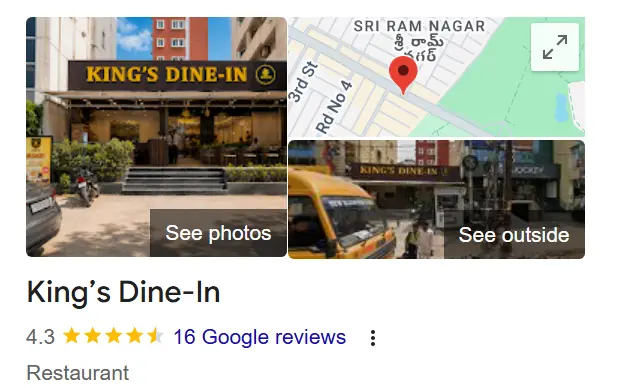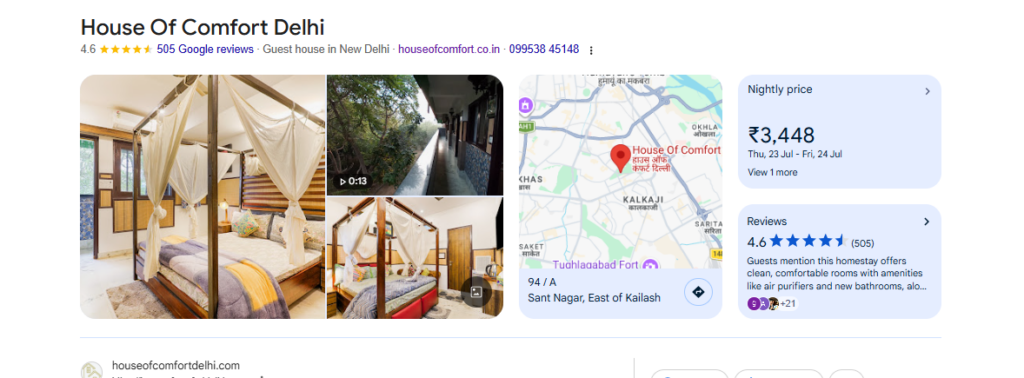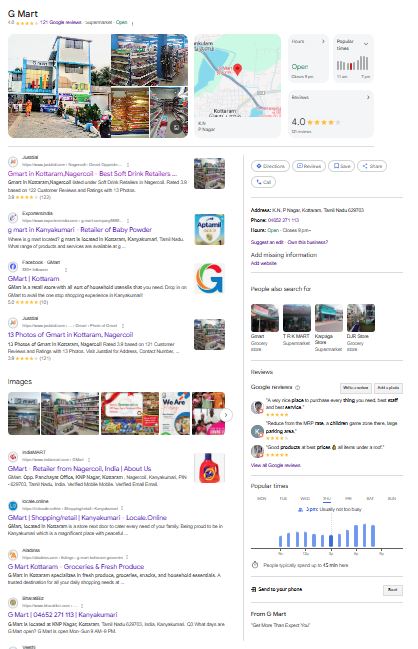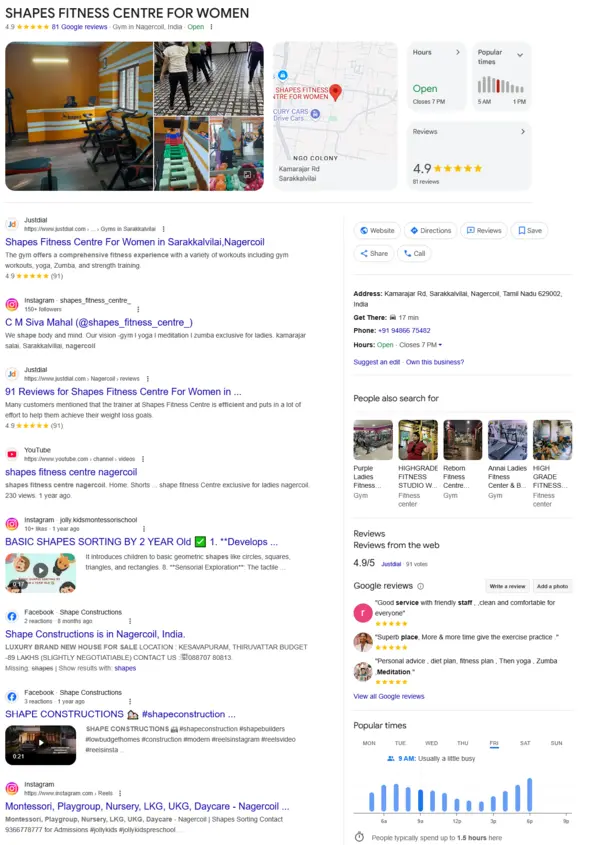
Keeping your Google Business Profile (GBP) accurate is one of the most important parts of local SEO. Customers rely on your GBP profile to find your business, call you, or get directions. But what happens when your GBP phone number update is stuck under review for days or even weeks?
Want to see this issue explained in action? Check out this video where we break down why GBP phone numbers often get stuck and what results to expect:
See why your GBP phone number isn’t updating
If this sounds familiar, you’re not alone. Many business owners face the same frustration. In this blog, we’ll explain why this issue happens, how GBP phone number verification works, and what you can do to solve it.
Why Accurate Details in Your GBP Profile Matter
Your GBP profile service is more than just a business listing – it’s your online storefront. If your phone number is outdated or incorrect, potential customers may assume your business is closed or unreliable. This can directly impact your leads, conversions, and local ranking.
Google also favors businesses with accurate Name, Address, and Phone (NAP) details across all platforms. A well-maintained GBP profile doesn’t just build trust; it also boosts visibility in local search results.
In short, keeping your GBP phone number up-to-date is about much more than convenience – it’s about credibility, SEO, and customer trust.
Common Reasons GBP Phone Number Updates Stay “Under Review”
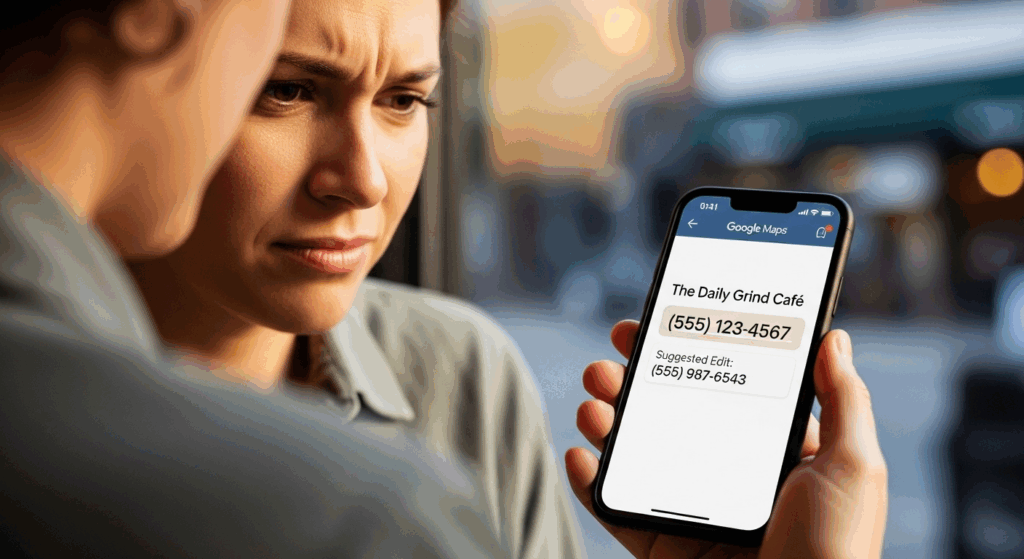
There are a few key reasons why your Google Business Profile phone number update might not go live quickly:
Google’s Verification System
Phone numbers are sensitive information. Every edit can trigger GBP phone number verification to make sure the change isn’t spam or fraudulent.
Multiple Edits Reset the Review Clock
If you’ve submitted your new number several times, each edit restarts the review process, causing further delays.
NAP Inconsistencies Across the Web
Google cross-checks your GBP details with your website, directories, and citations. If your Name, Address, and Phone don’t match everywhere, it may delay approval.
High-Risk Categories
Certain industries, like service-area businesses (plumbers, locksmiths, repair services), often face extra scrutiny to prevent spam listings.
How to Fix GBP Profile Phone Number Issues
If your phone number is stuck “under review,” here’s how to resolve it:
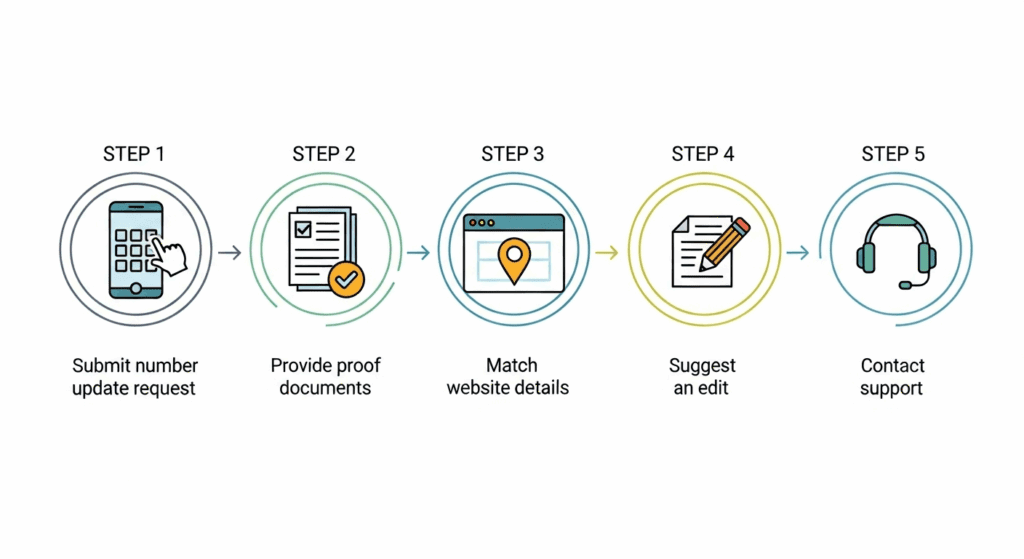
- Be Patient After Submission
Submit your number once and wait. Repeated changes only slow down the process.
- Upload Proof for Verification
Provide documents such as business licenses, utility bills, or phone bills that clearly display your business name and phone number. This strengthens your GBP phone number verification request.
- Update Your Website First
Before editing your GBP profile, make sure your website reflects the new number. Google often crawls your site to confirm contact details.
Need professional help? Explore GBPSEO.in for expert GBP profile services to keep your listing consistent and optimized.
- Try “Suggest an Edit”
From public search, click Suggest an edit and submit the same number. If both the owner and the public suggest the update, approval may be faster.
- Escalate Through Support or Community Forums
If the update has been pending for more than a week, reach out to Google Business Profile Support or post your case in the GBP Community Forum with proof documents.
Pro Tips for Smooth GBP Profile Service Updates
- Keep your NAP details consistent across your website, social media, and directories.
- Avoid frequent edits to your GBP phone number.
- Always align website details before changing your GBP profile.
- Use GBP profile services like GBPSEO.in to manage updates and prevent errors.
- Don’t just focus on the phone number – optimize your full profile with business hours, photos, services, and posts.
FAQs on GBP Phone Number Verification
- How long does GBP phone number verification take?
Usually 3-7 days, but it may take longer depending on your business category. - Why is my GBP profile still showing the wrong number?
It could be due to NAP inconsistencies, ongoing verification, or multiple edits. - Can GBP support fix my issue?
Yes, but you may need to escalate with proof documents if the issue persists. - Will frequent number changes affect my ranking?
Too many edits can signal instability. Stick with one permanent phone number.
Final Thoughts
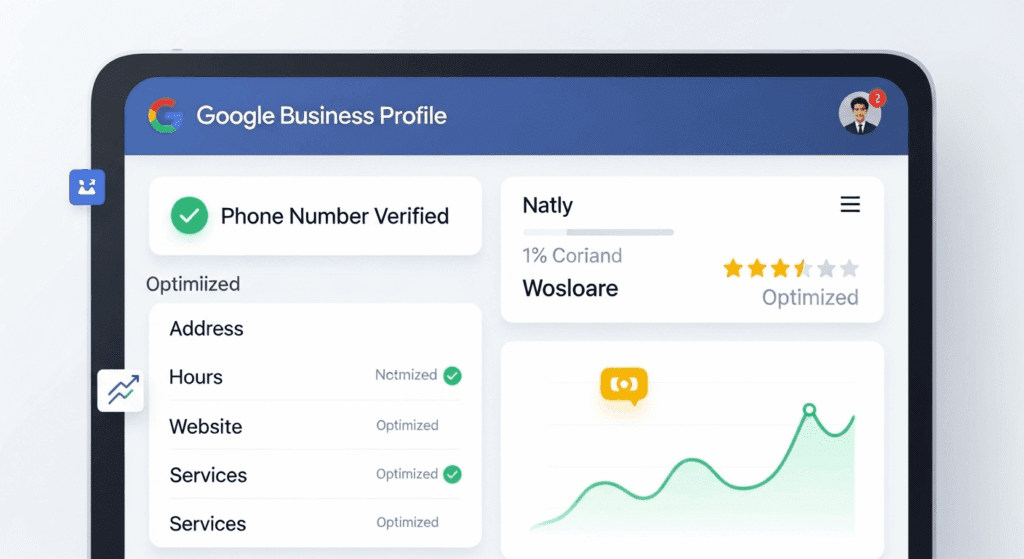
If your Google Business Profile phone number is not updating, don’t panic. It’s usually a temporary verification delay. By keeping your NAP consistent, submitting proof, and aligning your website details, you can speed up the approval process.
Remember your GBP profile service is more than just a phone number. It’s the digital front door to your business. Treat it with care, and you’ll not only resolve phone number issues but also strengthen your local SEO.
For expert guidance, explore GBPSEO.in. Whether it’s GBP phone number verification or full GBP profile optimization, you’ll find the tools and services to keep your business visible and trusted.