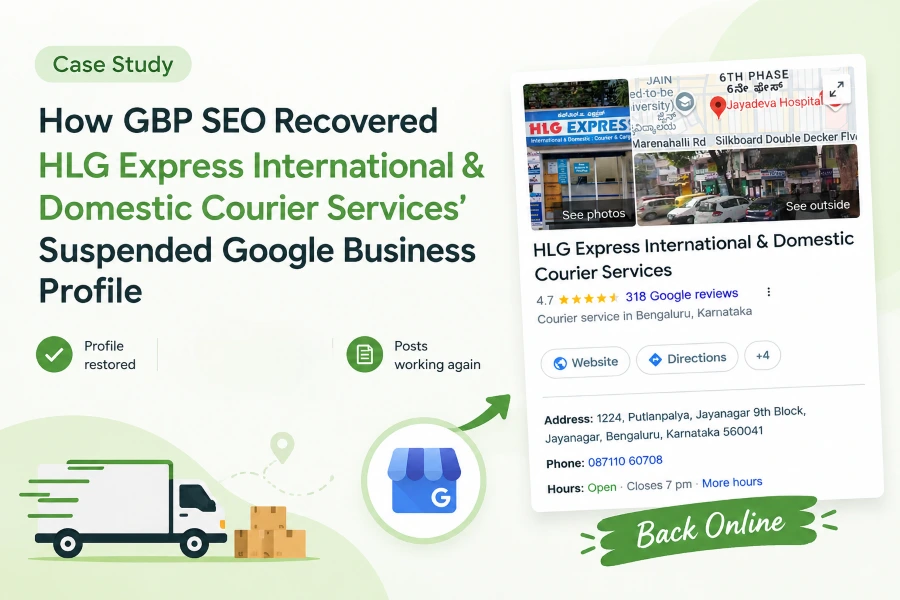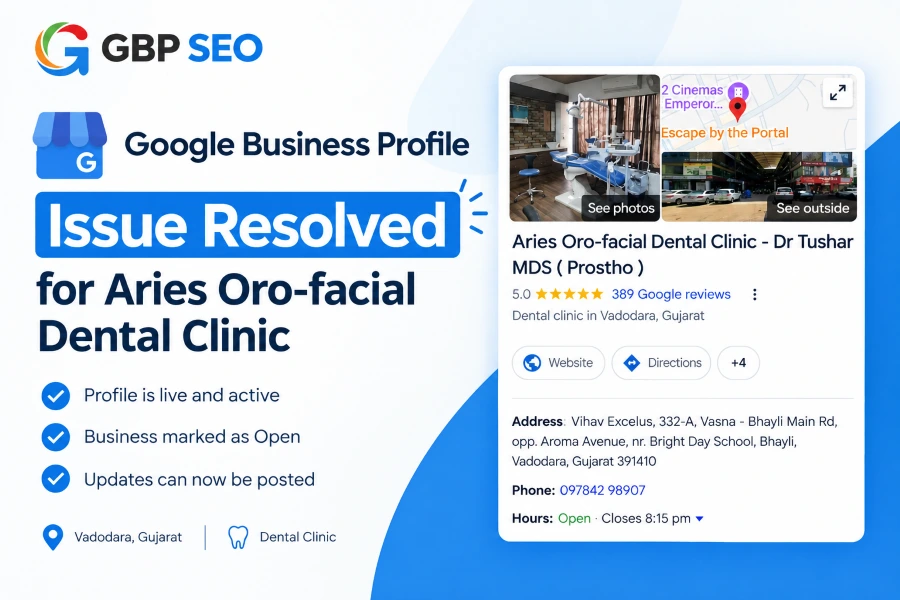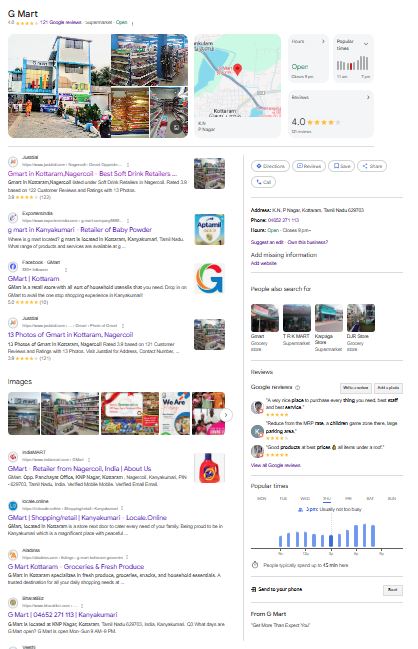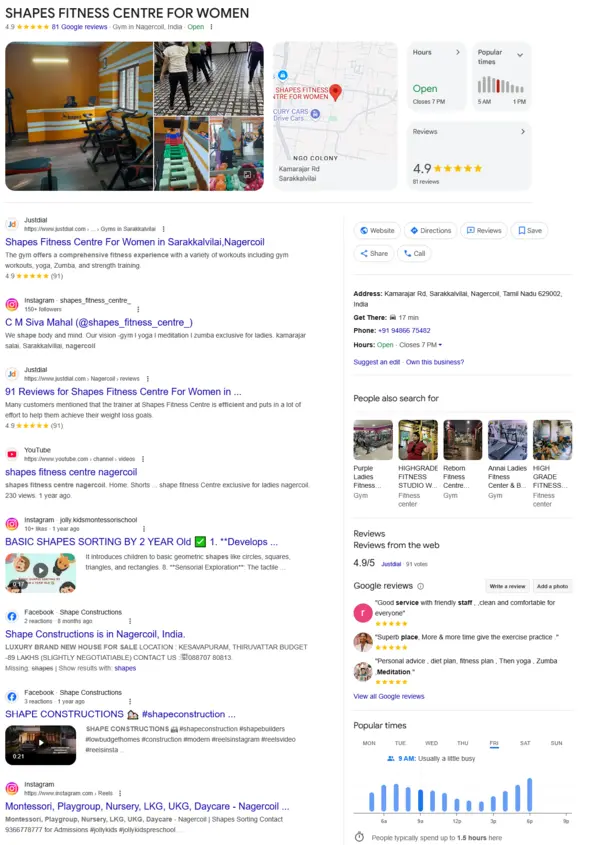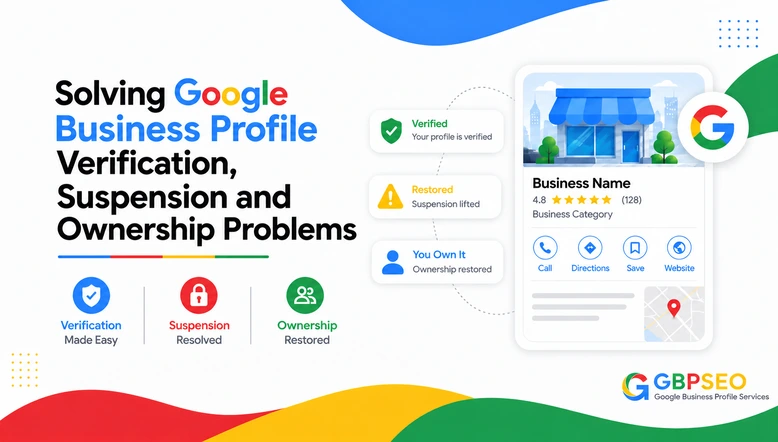
While I am resolving GBP problems, I see how important it is for a business to appear in Google Search and Google Maps. Problems with verification, suspensions, duplicate listings, or ownership can affect a business’s visibility. Make it hard to manage its profile.
I first identify the issue. Then look for the right way to resolve it. Here are five common Google Business Profile problems I focus on.
Verification Issues in GBP
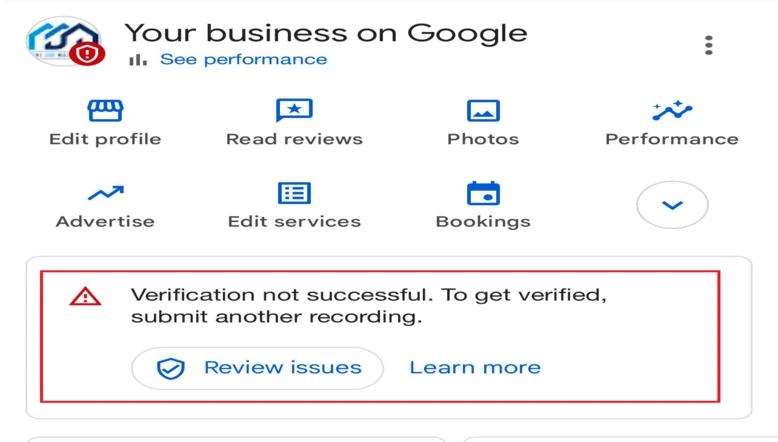
The first thing I check when I’m faced with Google Business Profile verification issues is the business information and the verification method proposed by Google. Sometimes verification fails because the process isn’t complete or Google needs info.
Common Reasons
- Incorrect business. Address.
- Business details do not match real-world information.
- Unclear business. Nameboard.
- Missing evidence of business operations.
- Problems with video verification.
- Google requests information.
Steps to Follow to Resolve the Verification Issue
I check the business name, address, and phone number. I check the verification status. See what methods are still available. I gather all the evidence it needs to show Google. Then I re-record Google instructions to try to re-verify. If the error persists, I contact Google Business Profile Support for assistance.
Suspension Issue in Google Business Profiles
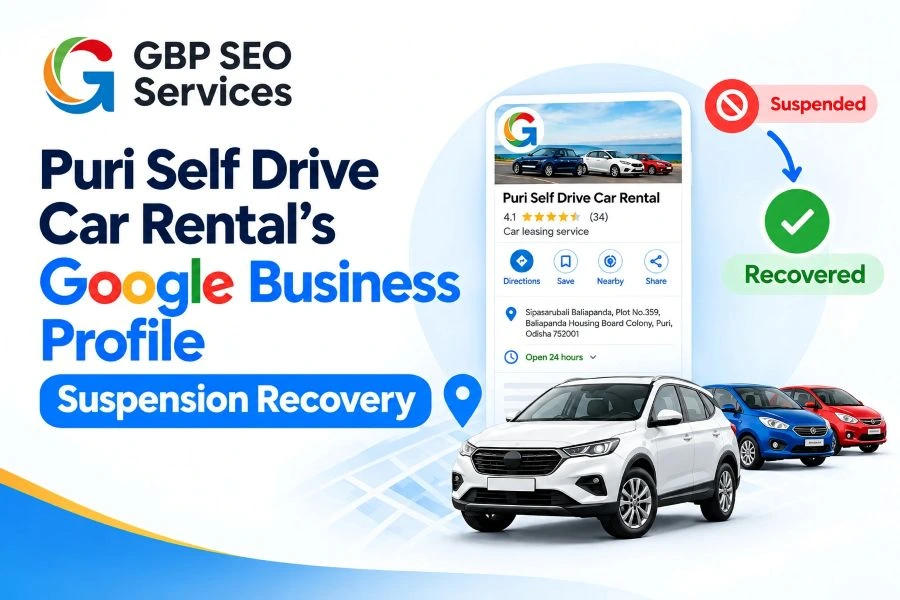
When a Google Business Profile gets suspended, the business can lose its visibility on Google Search and Google Maps. I review the profile to find out what might have caused the suspension.
I check the business details against Google’s guidelines. I search for any information that needs to be fixed. Once the necessary changes are made, I help prepare an appeal with supporting evidence.
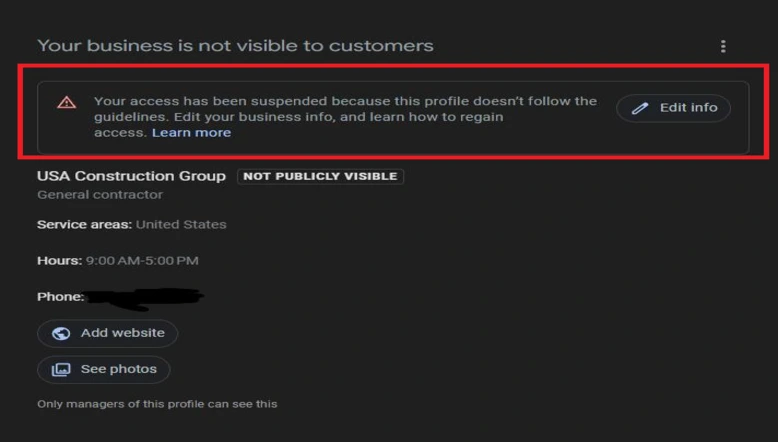
Common Reasons
- Business information does not follow Google’s guidelines.
- The business name contains keywords.
- The address or business details are incorrect.
- The profile contains misleading information.
- The business does not meet Google’s eligibility guidelines.
Steps to Follow to Resolve a Suspended GBP Issue
I read the suspension notice from Google to see what went wrong. I look at the business name, address, phone number, and all other details. I compare each detail with Google’s guidelines. I correct any problems I discover. I collect evidence of a legitimate company. I use the Google appeal process to appeal. I look for the status of the appeal to see what the verdicts from Google were and if there is anything else to do.
Duplicate Issue in Google Business Profiles
Duplicate Google Business Profiles can confuse customers. They’re also hard to manage. I use Google Maps and search if the business/location has multiple listings.
After identifying the listings, I review which profile should remain active and follow Google’s recommended process to resolve the issue. I avoid creating profiles before checking the existing listings.
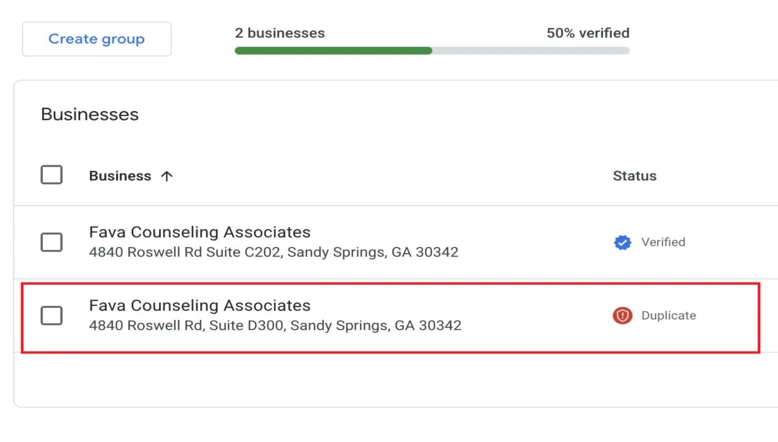
Common Reasons
- The business has created more than one profile.
- A previous owner created a profile.
- An old profile still exists on Google Maps.
- The same business appears under different names.
- A new profile was created without checking existing listings.
Steps to Follow to Resolve Duplicate Profile Issue
I search Google Maps for the business name and address to find listings, identify the profile with the business information, and check who manages each listing. I review whether the profiles represent the business or separate eligible locations, follow Google’s recommended process to resolve the duplicates, and check the final status to confirm whether the issue has been resolved.
Ownership Issues in GBP
Sometimes business owners cannot access their Google Business Profile because a former employee, owner or marketing agency manages it.
When I am dealing with ownership issues, I check who is currently managing the GBP, and I help the business owner request access through Google.
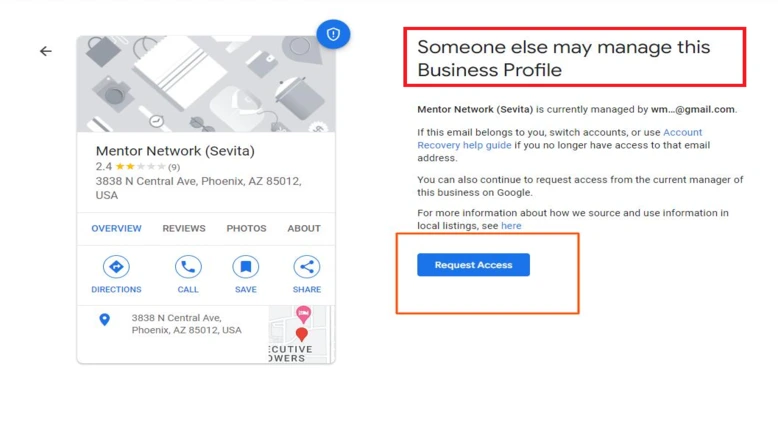
Common Reasons
- A former employee owns the profile.
- A previous agency created the profile.
- The business owner lost access to their Google account.
- Another person has ownership.
- The current owner cannot manage the profile.
Steps to Follow to Resolve Ownership Issue
I check whether the business owner can access the profile and identify whether another account manages it. I help the business submit an ownership request through Google. I am monitoring the status of that request.
No More Ways to Verify GBP
Sometimes Google does not show any additional verification methods for a business. This can leave the owner unsure about what to do.
When I see this issue, I check the verification options. I review the business information for accuracy. If no suitable method is available, I look for the support options through Google Business Profile Help. I avoid creating another profile just to get around the verification problem.
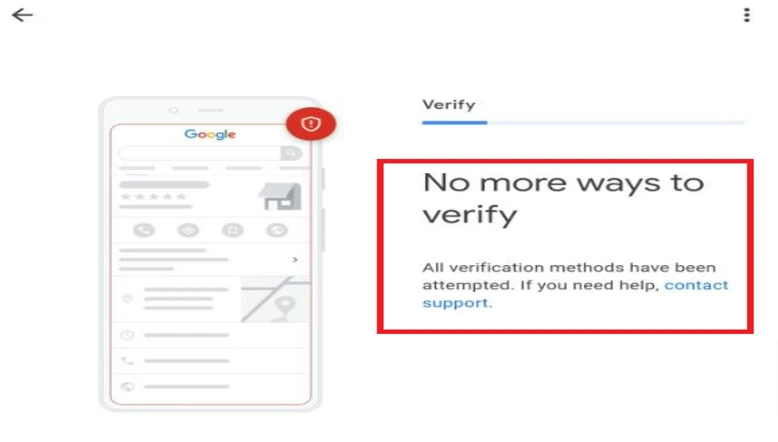
Common Reasons
- Google does not show any verification methods.
- Previous verification attempts have failed.
- Business information needs to be checked.
- Google requires evidence.
- The available verification options are limited.
Steps to Follow to Resolve the Issue
I look at the profile details to make sure the business name, address and other information are right. I read the verification status and Google’s instructions. I see if another way to verify is available. I get the needed documents, pictures, or other proof. If no verification options appear, I reach out to Google Business Profile Support. I do what they tell me to fix the problem.
After Resolving Google Business Profile Issues
After fixing the problem I check if the Google Business Profile’s working and showing up on Google Search and Maps. Check address, phone number, hours and services for name. I also look at the profile to make sure it meets Google’s rules.
I keep an eye on how visible the profile is in search results. Then I track the performance to see how customers are discovering the business. These help me to be brought back or help new customers find business with ease. Visibility and rankings can take time to get better after the problem is fixed.
If you need help with any Google Business Profile issues, contact our GBP SEO team for assistance.