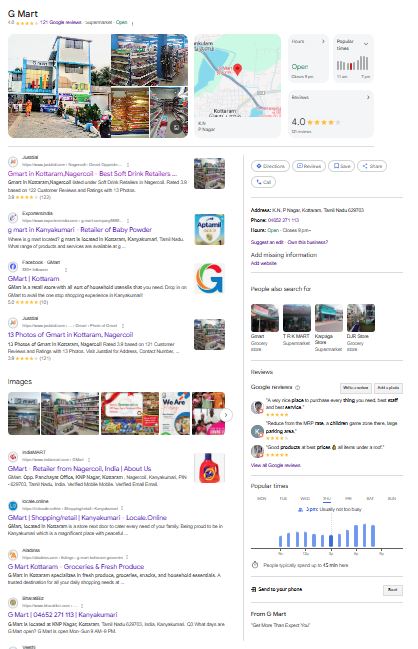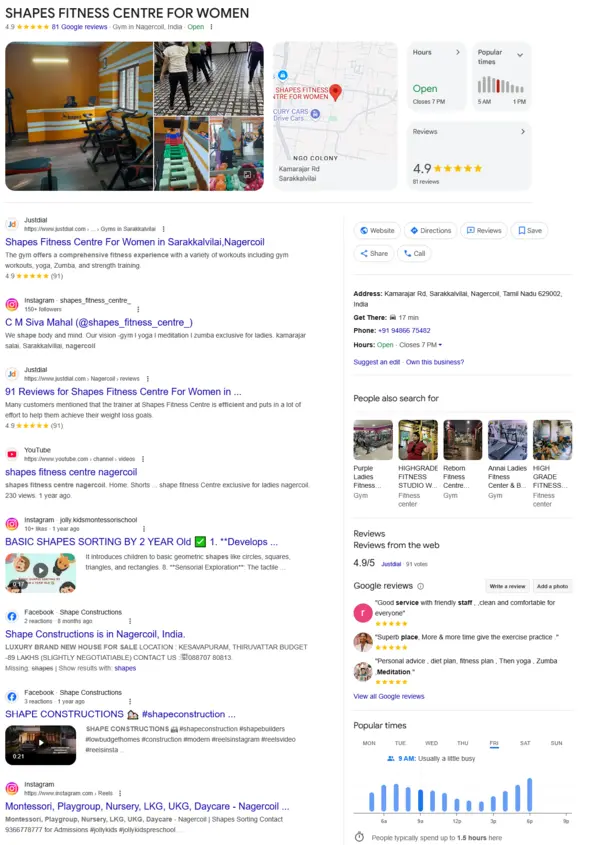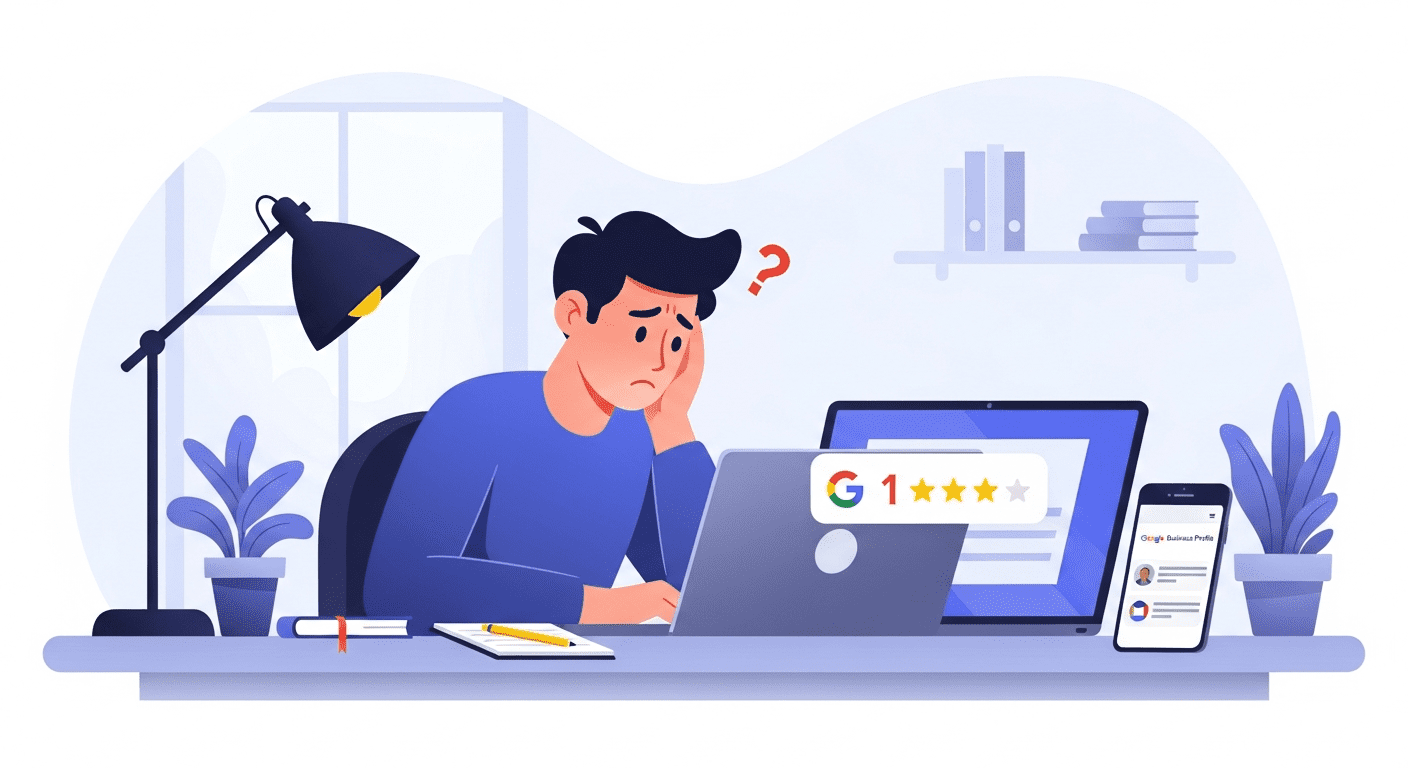
If you recently hired someone to optimise your Google Business Profile and suddenly noticed a fake 1-star review, you’re definitely not alone. Many business owners experience the same issue, especially after bringing in a new optimiser.
Just a few weeks ago, a business owner shared how a suspicious review appeared overnight, even before the optimiser began any work. The timing, the strange grammar, and the generic profile photo made one thing obvious: it wasn’t a real customer.
These fake reviews are happening more often, especially when businesses work with low-cost or unverified freelancers. Before assuming anything, it’s important to understand what may be causing this.
Why Fake Reviews Appear After Hiring an Optimiser
1. Manipulation Scams
Some unethical freelancers intentionally create a fake issue so they can later offer a paid “review removal service.” They create the problem, then sell the solution.
2. Competitor Attacks
Competitors may notice sudden activity on your GBP listing and attempt to push you down by leaving a fake negative review.
This is very common in industries like:
home services
clinics
real estate
restaurants
If you want to understand how proper optimisation should look, you can explore Google Business Profile optimisation at: https://gbpseo.in/gbp-seo-services/
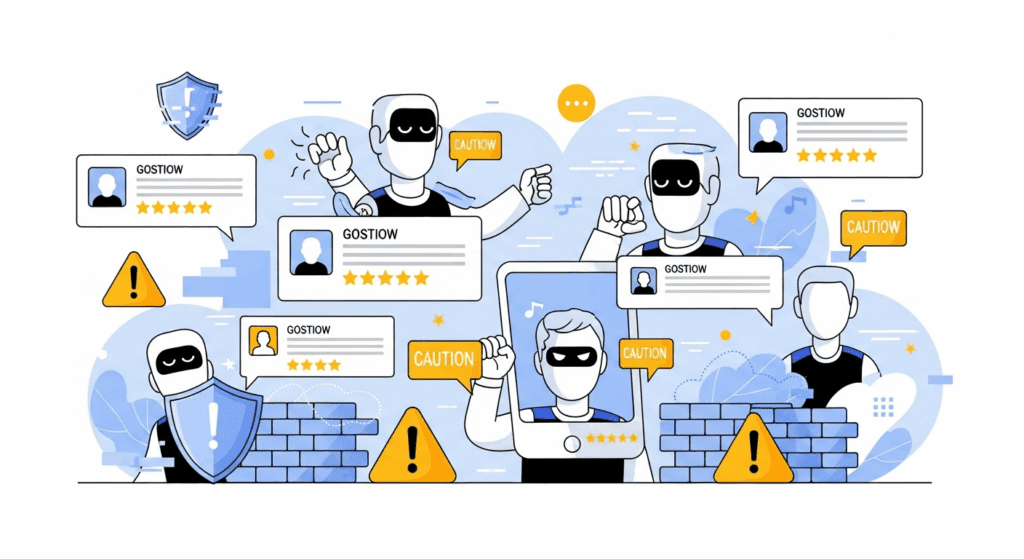
3. Random Spam Accounts
Sometimes, Google experiences spam waves where newly created accounts leave irrelevant or fake reviews across multiple listings. These aren’t targeted at you specifically but still damage your reputation.
How to Remove a Fake Google Review
Google provides an official reporting system. Follow these steps carefully.
Step 1: Report the Review
Open your Google Business Profile
Go to Reviews
Click the three dots → Report Review
Choose: “This is from a fake account”
Step 2: Collect Evidence
Take screenshots of:
the reviewer’s profile
their review history
the exact review text
Evidence helps if escalation is needed.
Step 3: Respond Professionally
Replying calmly protects your brand image. You can use this:
“We cannot identify this person as a customer. We encourage genuine visitors to share their real experience.”
Step 4: Escalate to Google Support
If the review isn’t removed within a few days:
contact Google Support
attach your screenshots
clearly explain that the reviewer has no connection to your business
How to Protect Your GBP From Future Fake Reviews
1. Work With Ethical GBP Experts
Always choose trusted, transparent professionals who follow safe optimisation practices.
You can learn more about GBP SEO services here: https://gbpseo.in/gbp-seo-services/
To understand how GBP works in detail, you may also read:
What is Google Business Profile SEO? – https://gbpseo.in/
2. Turn On Review Alerts
Instant notifications help you respond quickly to both genuine and suspicious reviews.
3. Build a Strong Base of Real Reviews
Encourage genuine customers to leave authentic feedback. A strong review history reduces the impact of an occasional fake rating.
4. Track Suspicious Activity
Keep records of:
dates
screenshots
repeated spam patterns
Final Thoughts
Getting a fake 1-star review right after hiring an optimiser can feel frustrating and unfair. Thankfully, most fake reviews can be identified and removed with the right steps. When you work with ethical experts and follow proven methods, your GBP remains strong, protected, and ready to grow.
To explore clean and transparent management services, you can visit:
GBP SEO Services – https://gbpseo.in/
With consistent care, fake reviews won’t hold your business back.
FAQ Section
1. Why did I get a fake review after hiring an optimiser?
It may be due to manipulation scams, competitor attacks, or random spam accounts. It’s a common issue many businesses face.
2. Does Google remove fake reviews?
Yes. Google removes reviews that violate their policies when they are reported properly.
3. How long does it take for Google to remove a fake review?
It can take anywhere from a few hours to a few days. If delayed, you can escalate with evidence.
4. Should I reply to fake reviews?
Yes. A calm and professional reply shows credibility and reassures real customers.
5. How can I prevent future fake reviews?
Turn on review alerts, work with ethical optimisers, track suspicious activity, and strengthen your listing with genuine customer reviews.