How to Add Your Business to Google and get Auto Verified Google Business Profile – 2025
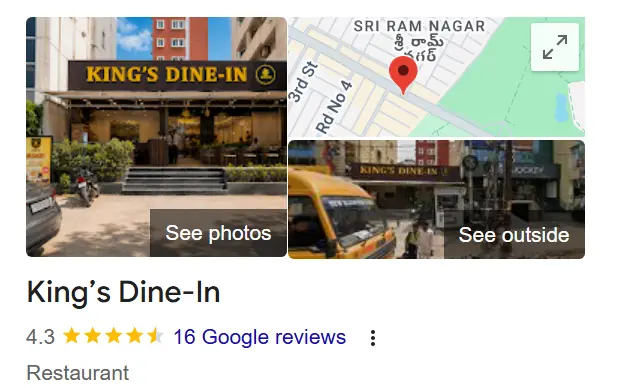
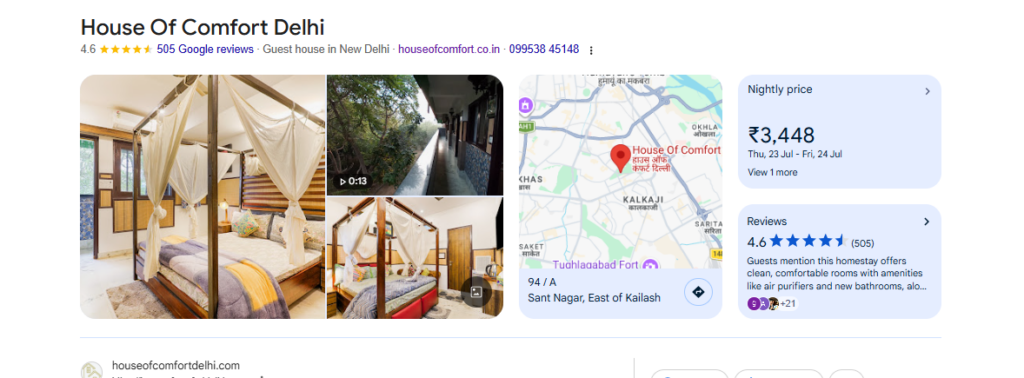
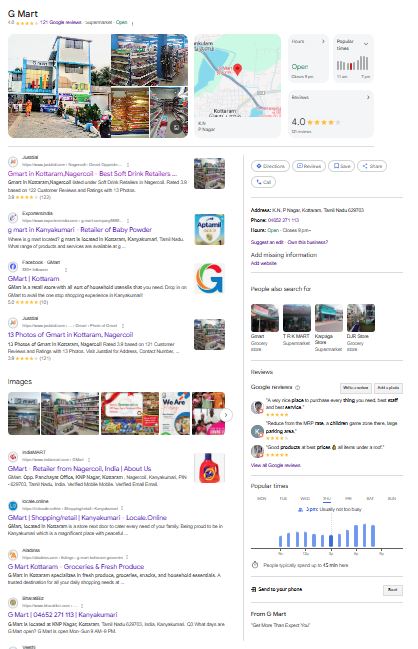
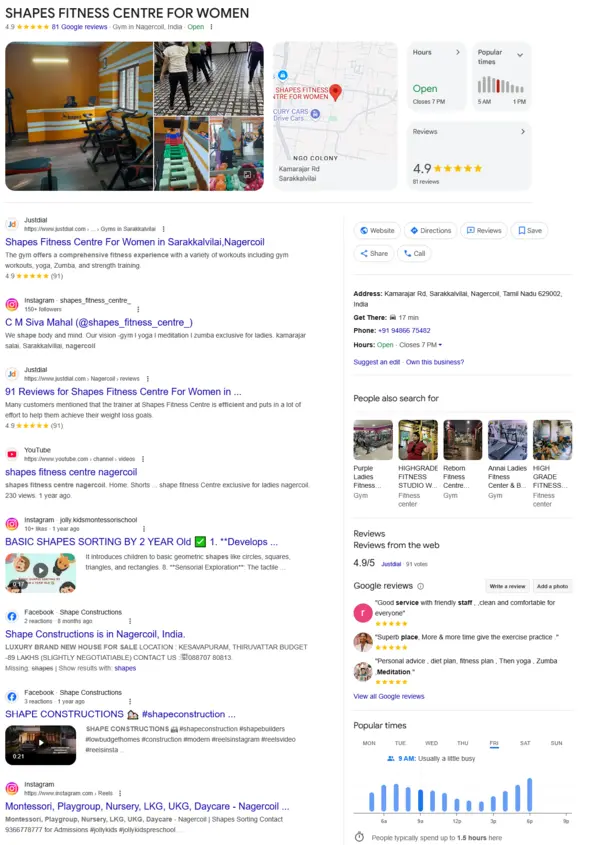
Adding your business on Google is the quintessential step for any business, big, small or medium. GBP drives in targeted customers and keep your clients, potential clients updated on your business and services. The awesome part of it is that you need not pay any penny for advertising or getting your business listed on Google. Yes, Google offers this service entirely free of cost with no strings attached and also get your business listed on Google Maps.
Wait,
- So how does Google know it is my business and I am the owner of it?
- What if my competitor add my business listing to poach potential clients?
- What if some one who hates my guts create a nasty business profile of my business?
- What if some agency I hired long back created my profile and now they are not in service?
Google has a business profile verification policy where you can opt for the below methods - Email Verification : If you’re setting up a new Google Business Profile, you’ll be asked to verify the email address which you had used to create your business account on Google. You have to enter the verification code which you received on your email to verify your business on Google.
- Phone Verification for GBP: Like email verification, Google will send a code to your registered phone number which you have to enter while setting up a new GBP account or verifying an existing Google Business Profile Account.
- Video Verification: You may have to take a 2-3 minutes video with the address, name from exterior and also interior, preferably yourself on the main desk along with customers. Highlight nearby landmarks which leads to higher approval rates by Google.
Okay well everything looks great, so why do I need an Instant Verification of GBP? The catch is that Google will decide which verification method is the best from the above and it is not a cake walk as they may take days, sometime weeks to get verified by the above methods. Enter Instant GBP Verification which allows you to post and display your profile to your potential customers instantly without any hassles.
So let us see how we can get Instant GBP Verification as we got for GBPSEO. This Guide will help you understand how to add your business to Google and get instantly verified by Google.
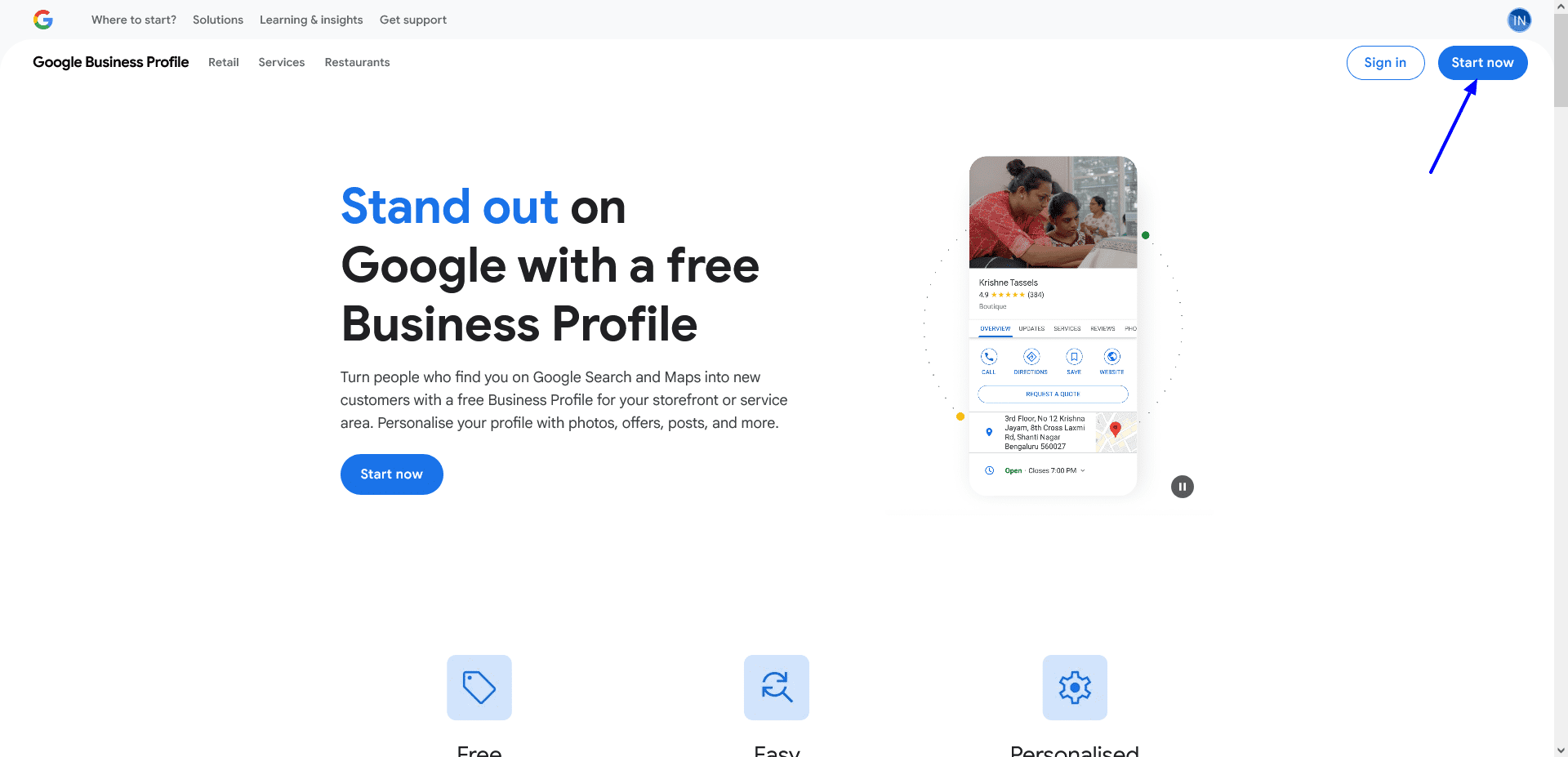
Go to https://business.google.com/in/business-profile
*This link may differ from country to country. Just Google for “Google business profile”
Click the Start Now Button
Step-1 Enter your exact business name and choose a category that best suites your business.
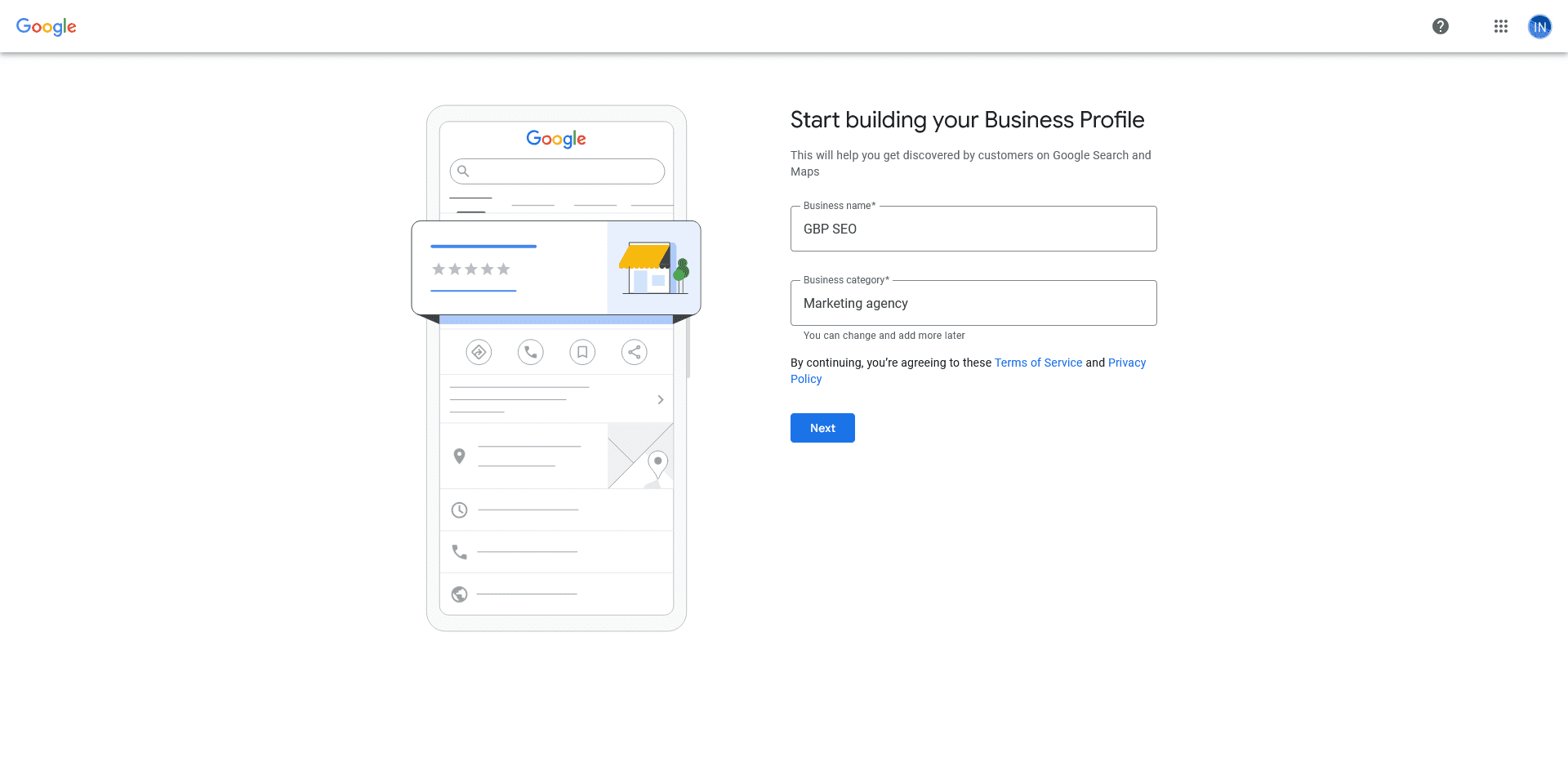
Step-2 Check the Yes option to get your business listed on Google Maps.
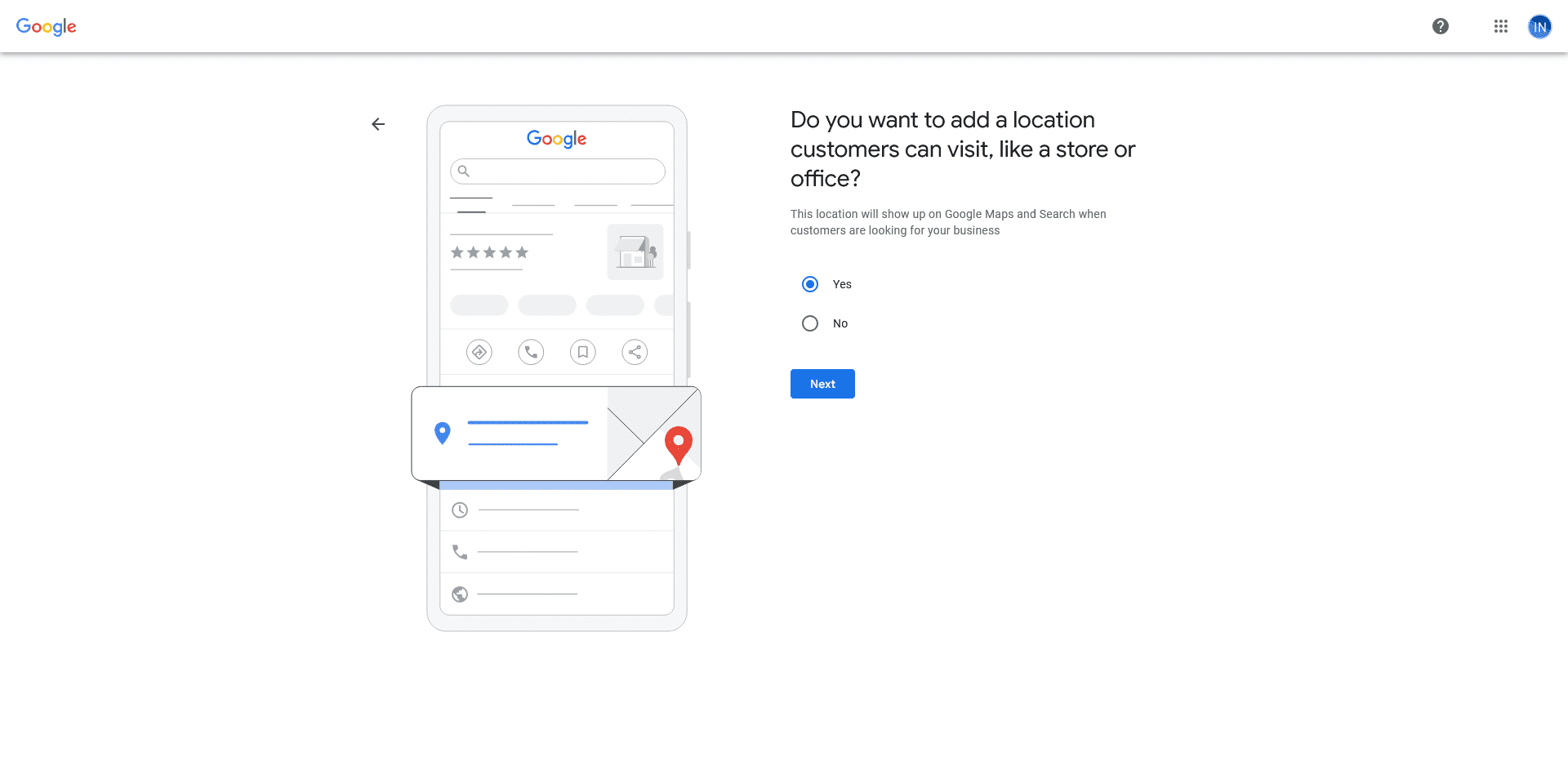
Step-3 Mark your exact physical location of your business on Google Maps. Make Sure your pointer is in the right place. Cross check with the nearest landmarks to make sure the pointer is right.
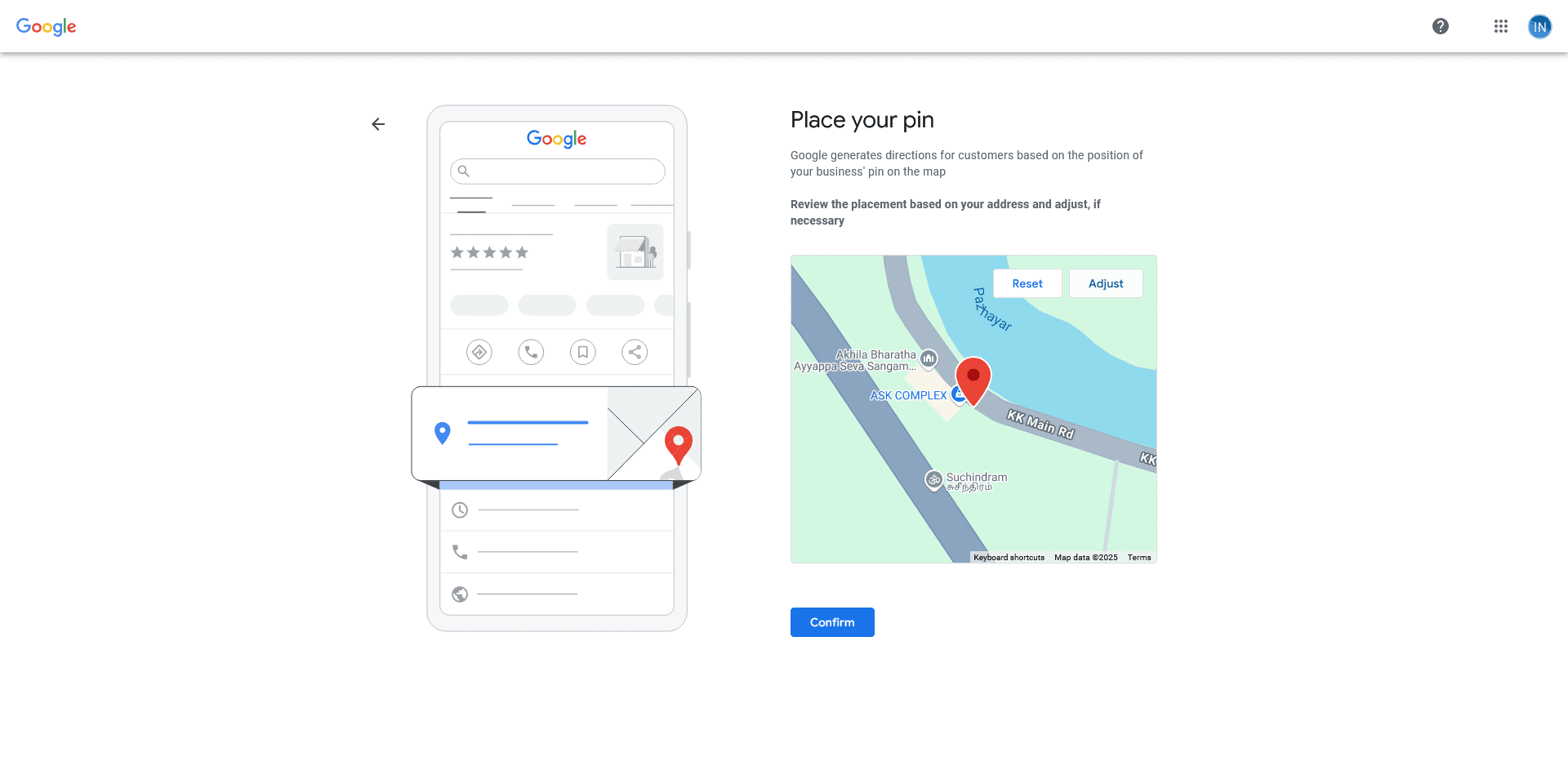
This is the first and foremost step for Google to instantly verify your business. Make sure that you pin point the exact location of your business.
Step-4 Does your business offer Home deliveries? If so select the Yes option or select the No option.
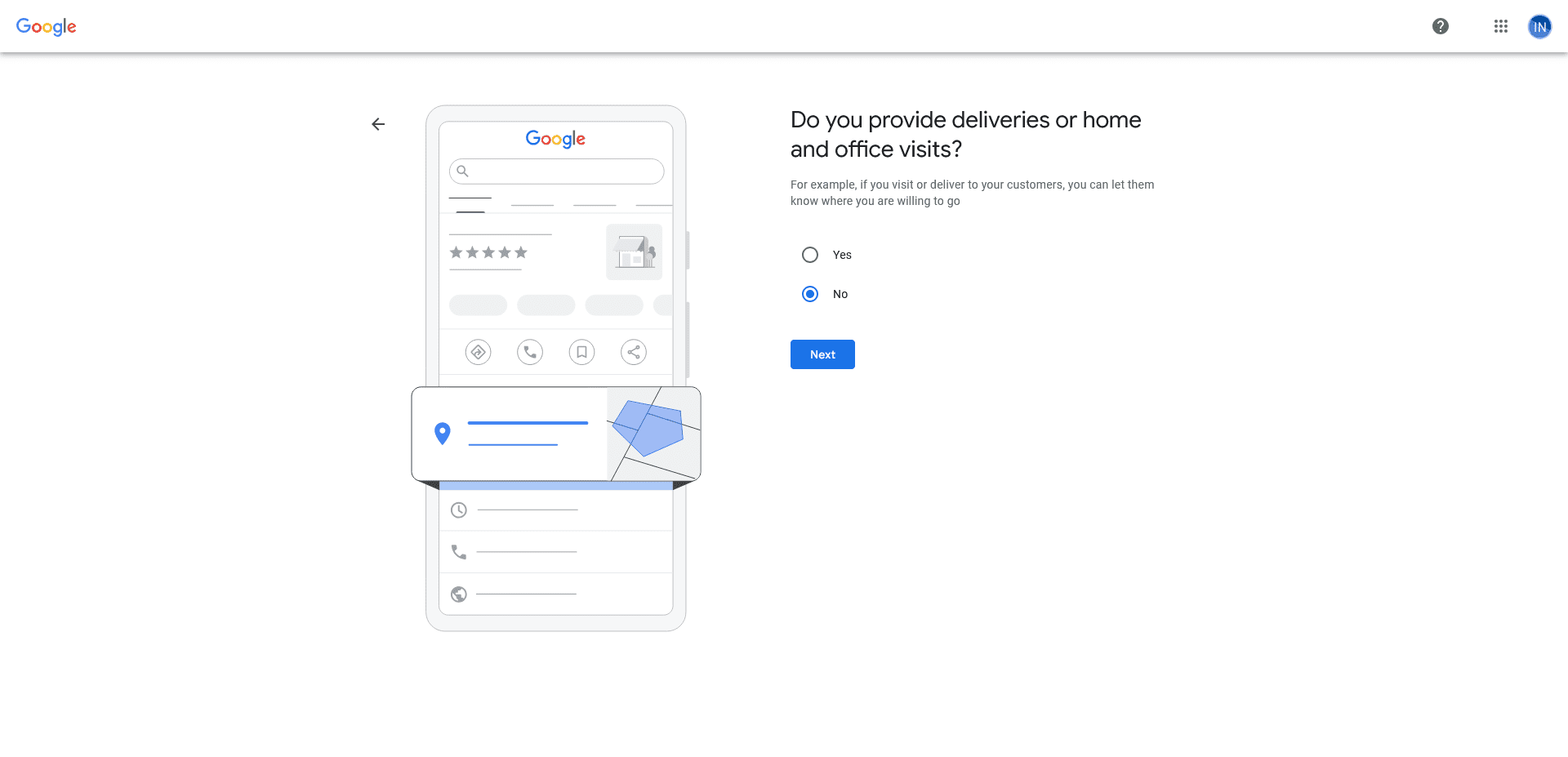
If your business offer home deliveries to your customers or not, select the appropriate options. This applies to restaurants, groceries and other businesses who offer sale of food, drinks and products.
Step-5 **** Important, This will get you instantly verified by Google Business Profile when done right.
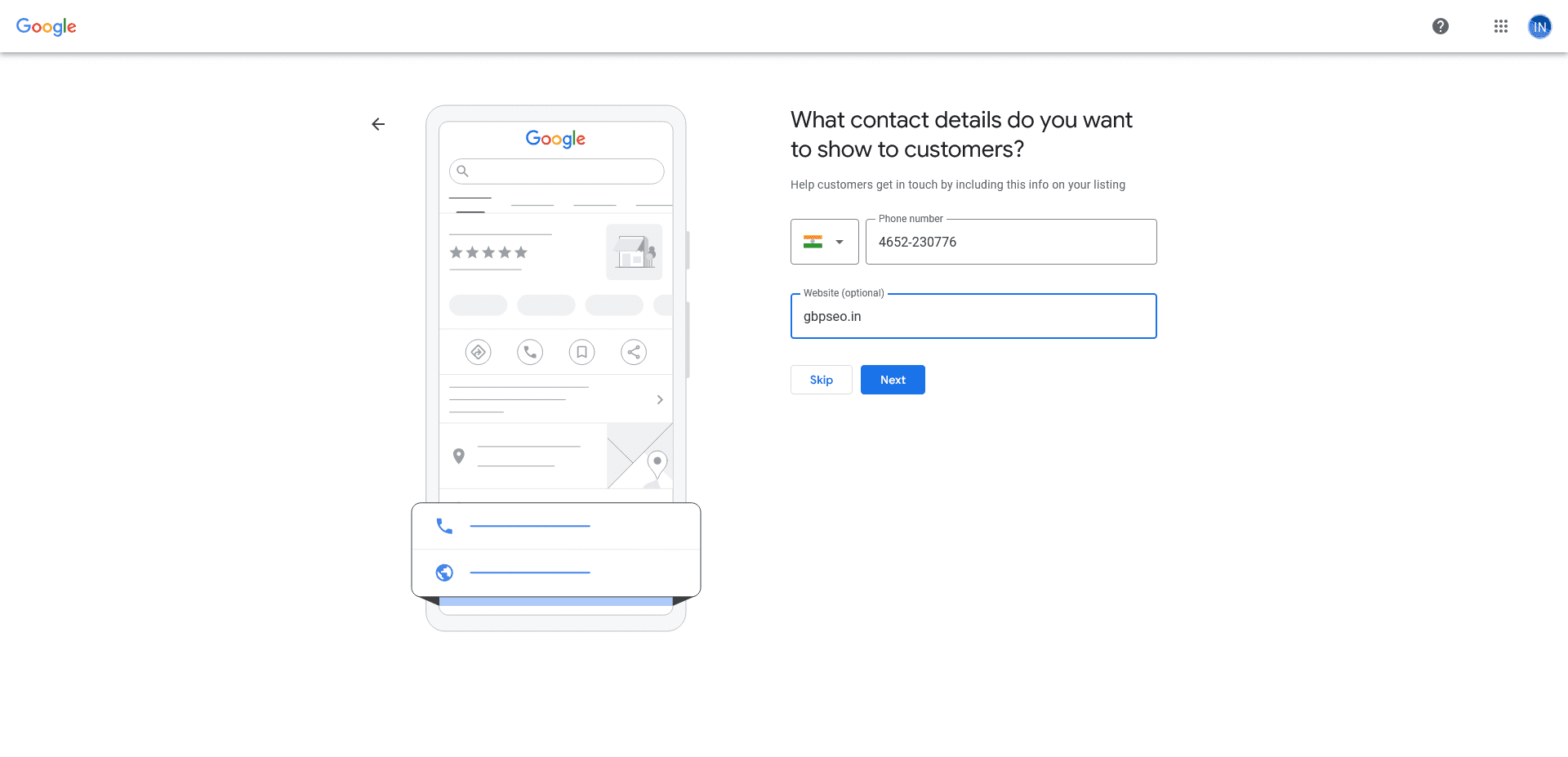
This is a very important step to get Instant Verification on GBP. Enter the exact phone number with the format you have used earlier in your website, citation or whatever digital assets such as FB Page, Linkedin etc. If your existing phone number on digital assets doesn’t match, correct it first and then wait for some time before you update the phone number. Google might have indexed your business from earlier citations or website and if there is a mismatch, instant verification will not happen.
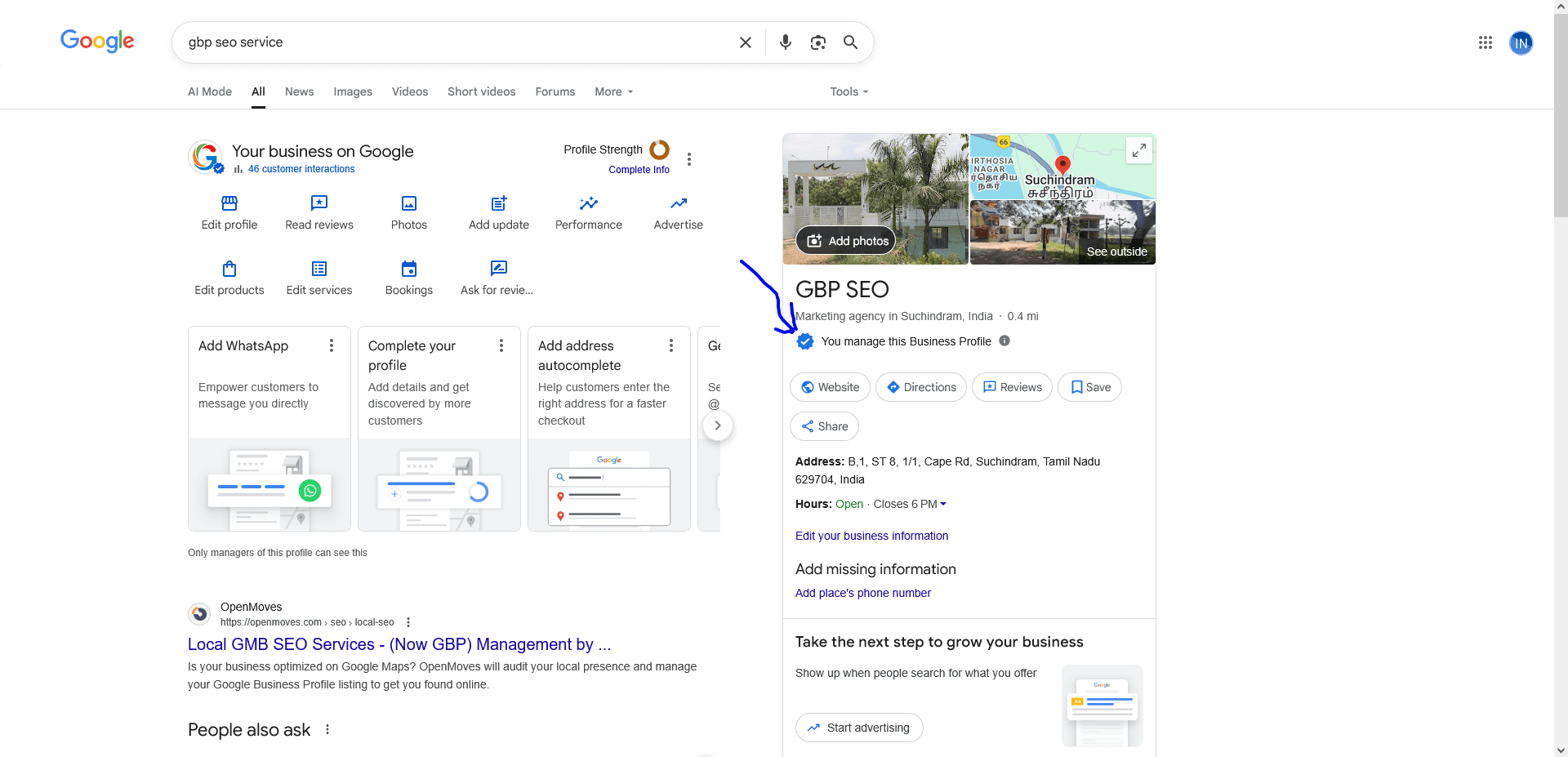
WAHhh – Got GBP Instantly Verified
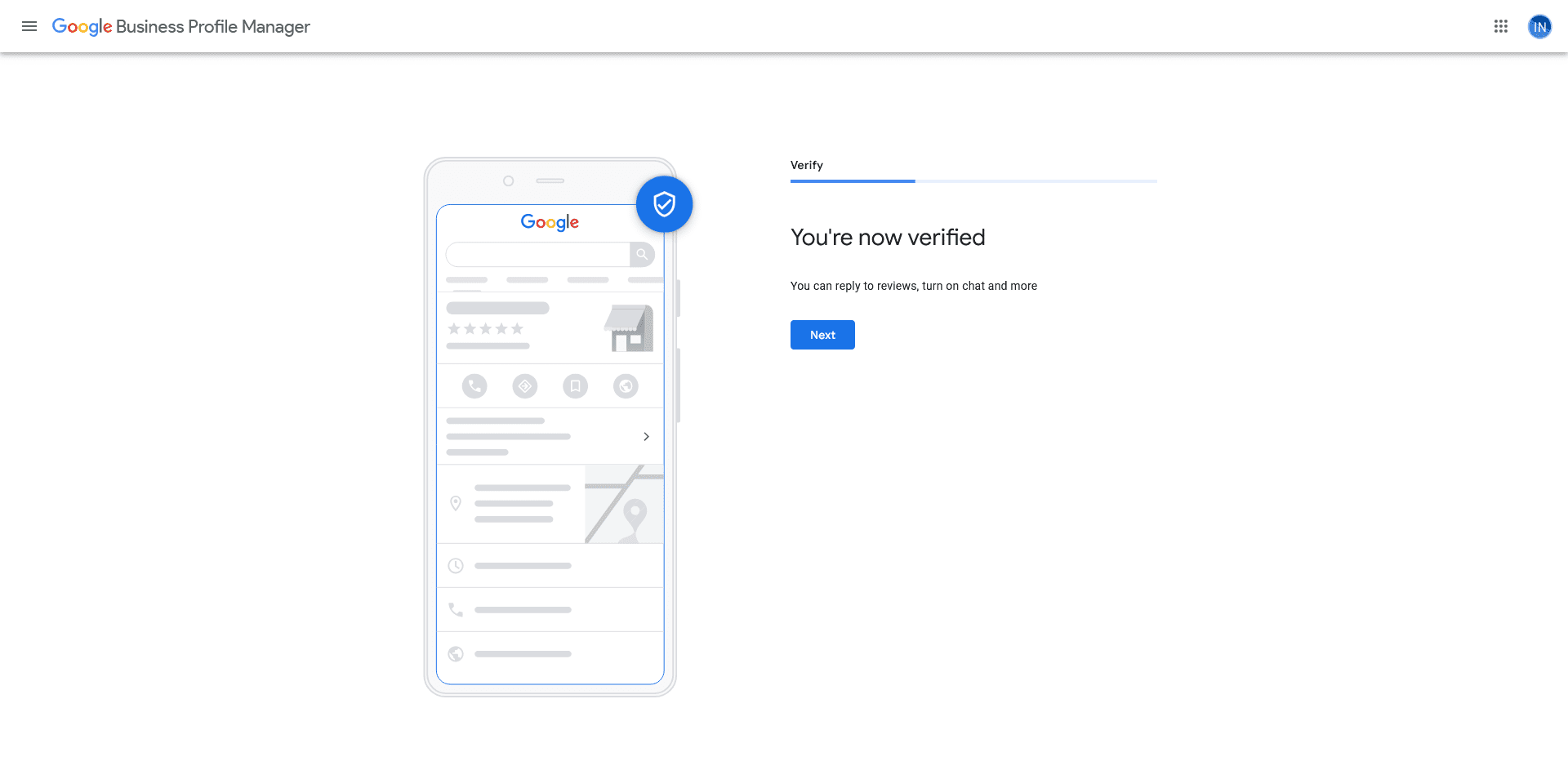
So this is how we got our GBP listing instantly verified by Google.
- Check your existing NAP’s and make sure the Name of Business, Address and Phone number is exactly what you will be entering in the Google Business Profile.
- If there is any inconsistencies in the NAP, fix it before you create the GBP. Allow a day or two for Google to re-index the corrected NAP pages.
- Check your website footer, contact us and any other page where you have the NAP and make sure it is in the right format as in the citations.
- When you point your location on map, make sure your pointer is in the exact location as described in the address.
Doing the above will increase the probability of getting your GBP listing instantly verified by Google. If you need any help on GBP Services, feel free to contact our Google Business Profile Experts.