Your Google Business Profile is More Than Just a Listing
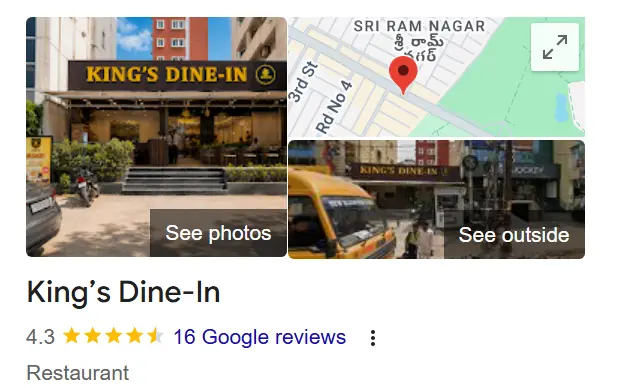
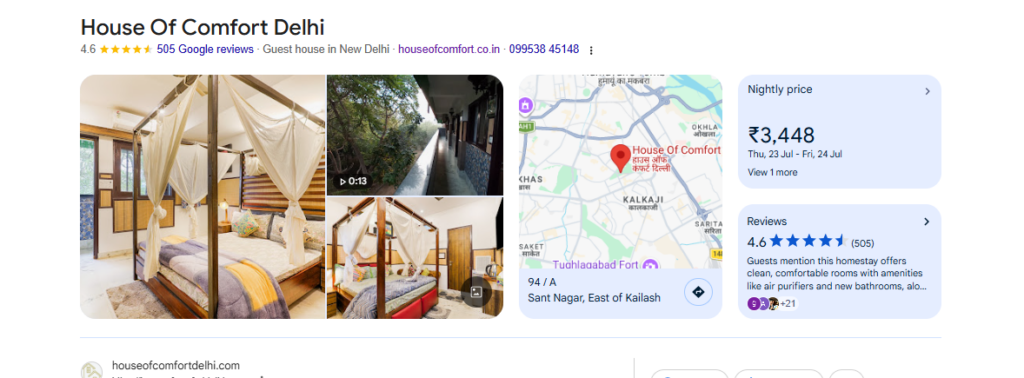
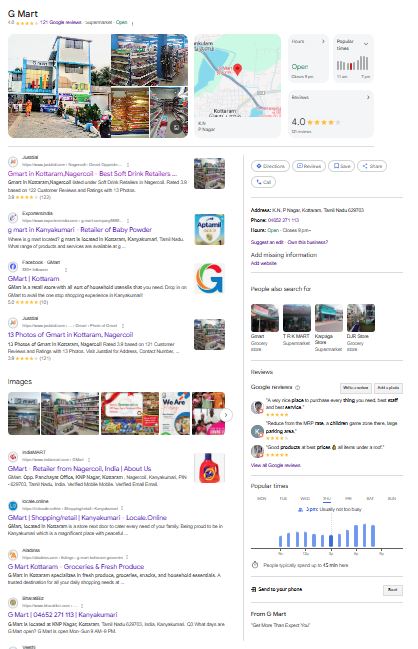
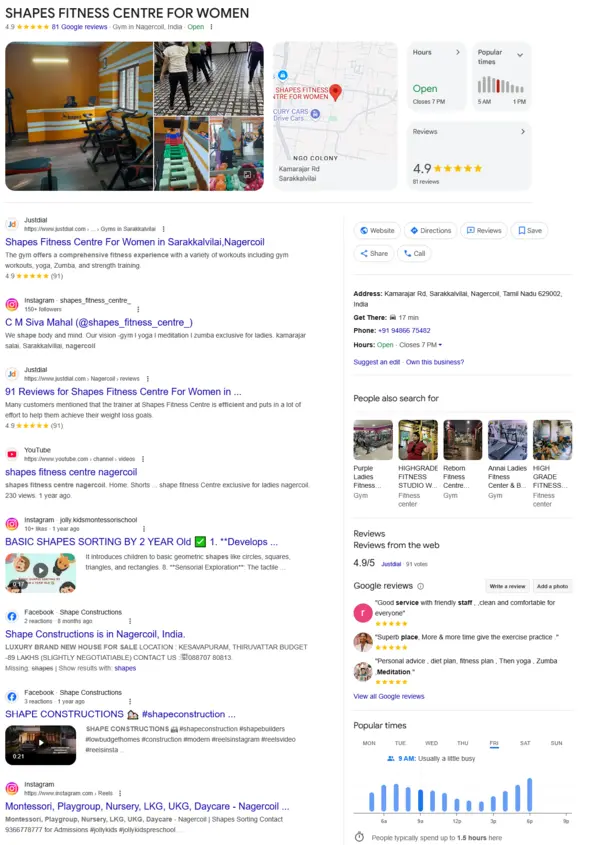
Picture this. You’ve been keeping your Google Business Profile active with around three posts a week, sharing photos, offers, and updates. Business is flowing as usual. Your restaurant tables are filling up, your garage phone is ringing, your locksmith service is handling late-night calls, or your local clinic is getting steady appointments. Then suddenly, a red flag appears: your profile faces a Google suspension.
Overnight it feels like someone pulled the shutters down on your shop. Customers can’t find your address, your phone number disappears from Google Maps, reviews vanish, and those urgent calls from people who need you stop coming in.
For small businesses like restaurants, garages, emergency services such as locksmiths, and local healthcare providers, a Google suspension is not just an inconvenience. It means lost visibility, lost trust, and lost revenue.
The good news is that a suspension doesn’t have to be the end of the story. With the right steps, you can revoke the suspension, rebuild your profile, and get Google to reinstate your listing faster than you might expect. That’s where our Google Business Profile recovery service comes in. Our proven suspension recovery service is designed to help you revoke the issue, reinstate your profile, and get your business back in front of customers quickly.

Why Google Suspends a GBP (Top Reasons)
- Inaccurate or Misleading Details
Using a fake address, wrong phone number, or misleading name is a quick way to lose your listing.
Example: Listing a P.O. Box as your business location.
- Virtual Offices or Co-working Spaces
Google expects you to have a real, physical location where customers can meet you during your business hours.
Example: Using a shared desk with no signage.
- Keyword Stuffing in Your Name
Adding terms like “Best Plumber in Dallas – 24/7 Emergency” to your GBP name breaks the rules. It must reflect your actual branding.
- Suspicious Review Patterns
A sudden wave of overly similar reviews can make Google revoke your visibility.
- Restricted Content Issues
Certain industries, like legal or financial services, must follow extra rules. Break them, and suspension follows.
How to Get Google to Reinstate Your Business Profile
Step 1 – Spot the Violation
Carefully read Google’s guidelines. Look for anything wrong with your name, address, phone number, or business category.
Step 2 – Gather Evidence
Collect documents – utility bills, leases, photos of your storefront that prove your business is legitimate.
Step 3 – Make the Fixes
Remove extra keywords, update outdated information, and clean up suspicious reviews.
Step 4 – Submit a Reinstatement Request
Use Google’s official form. Be clear, be honest, and attach your evidence. If you’re unsure, our GBP reinstatement experts can handle the process for you.
Step 5 – Wait, but Stay Proactive
Reinstatement can take days or weeks. If you hear nothing after 14 business days, contact support. With the right approach, Google will reinstate your listing.
Case Study – Suspension Revoked & Profile Reinstated in 8 Days

Cindy owns a boutique flower shop in Austin. One day, her GBP simply vanished. Google had flagged it for “misrepresentation.”
It turned out she had recently changed her business name to “Best Austin Florist” to boost her search ranking – a direct policy violation.
She quickly switched it back to “Cindy’s Flower Studio,” added clear storefront photos, and sent Google a copy of her lease and utility bill. Just eight days later, her profile was back, and customers could find her again.
Tips to Avoid Another Suspension
- Always use your real business name.
- Keep all details accurate and up to date.
- Only create one GBP per physical location.
- Respond to reviews naturally – never pay for them.
- Update your profile immediately if you move.
Why Getting Help Can Make All the Difference

Sometimes a reinstatement is straightforward. Other times, it’s anything but especially when Google gives you no clear explanation. That’s where expert help matters.
Our team specializes in resolving Google suspension issues, carrying out complete GBP revamps, and making sure Google reinstates profiles quickly.
If your GBP has been suspended or revoked, act now.
Click here to get professional reinstatement help and put your business back where customers can see it.
FAQ – Google Business Profile Suspensions & Reinstatement
Q1: What is a Google suspension?
It’s when your Google Business Profile is removed or restricted from Search and Maps because Google believes you’ve broken its rules.
Q2: How do I revoke a Google suspension?
Find the violation, fix it, gather proof, and submit a reinstatement request so Google reinstates your listing.
Q3: How long does reinstatement take?
Anywhere from a few days to a few weeks, depending on the complexity of your case.
Q4: Why does Google suspend profiles?
Common reasons include inaccurate details, keyword stuffing, fake reviews, virtual office addresses, and restricted content violations.
Q5: Can experts help with a revamp and reinstatement?
Yes – they can speed up the process, ensure compliance, and help Google reinstate your profile. See our GBP SEO services for details.