If you manage a verified business on Google, you might have seen a message recently that says, “Watch your phone for calls and messages from Google Maps.”
At first, it might sound suspicious or confusing. Many business owners have started asking whether these calls are real or a new type of scam.
After looking into it carefully, the answer is clear. This is a legitimate move from Google. It is not a threat or a suspension notice but a new way for Google to confirm business details automatically. Understanding what it means can help you keep your Google Business Profile active and visible in search results.
What’s Happening Behind These Messages
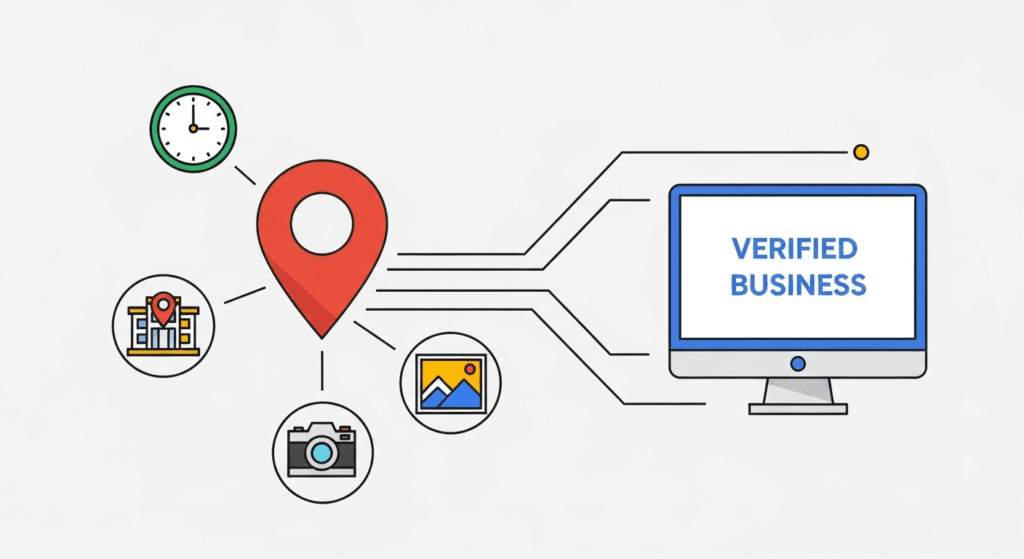
Google has begun using automated calls, texts, and WhatsApp messages to confirm that business information on Maps is still accurate.
The messages are sent to verified phone numbers and may ask you to check your business hours, address, photos, or categories. This is part of Google’s wider effort to reduce fake or inactive listings. Many profiles stay outdated after owners forget to update changes, and Google’s system now steps in to verify the accuracy of that data.
Why Google Is Doing This
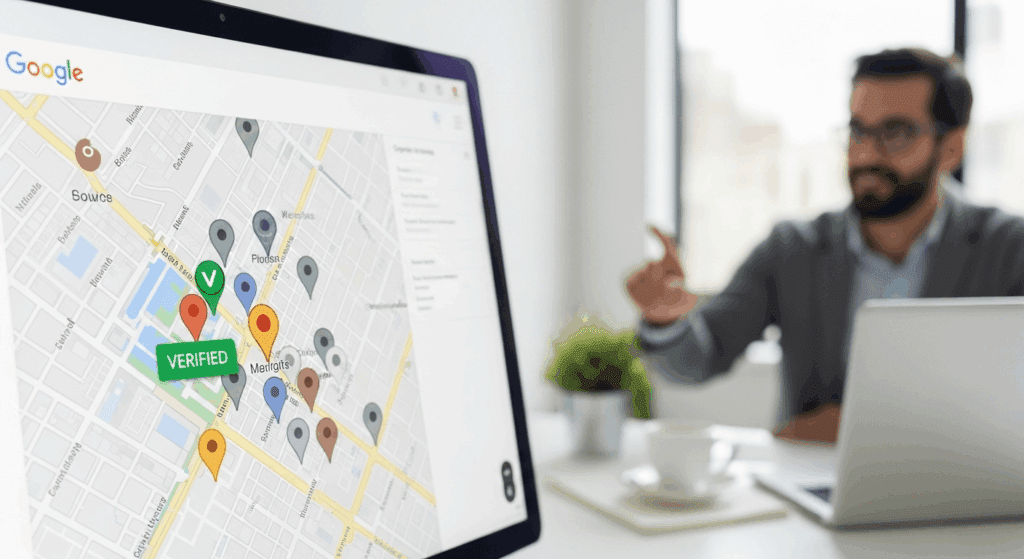
Over time, Google Maps has faced problems with duplicate listings and outdated business details. Customers rely on the platform to find open and trustworthy places. When that information is wrong, it affects both users and genuine business owners.
To maintain quality, Google is asking verified businesses to confirm that their information is still current.
If your profile hasn’t been updated for a while or you recently changed your hours or services, you might receive one of these messages.
How to Respond Safely
When you receive a message or call that claims to be from Google, stay calm and verify it.
Official messages from Google will never ask for passwords, verification codes, or payments. They only request updates related to your profile, such as hours, photos, or services.
If the message matches these details, you can respond and confirm. If anything seems unusual, open your Google Business Profile directly and check for updates inside your dashboard. That is always the most reliable source of truth.
Why It Matters for Your Local SEO
Google rewards accuracy and consistency. When your business details are verified and up to date, you are more likely to appear in local search results.
Responding to these verification prompts signals that your business is active and trustworthy.
If your information remains unverified for too long, your visibility on Maps can quietly decline. That means fewer customers find you, even if your services are excellent.
A properly managed Google Business Profile can make a clear difference in search performance.
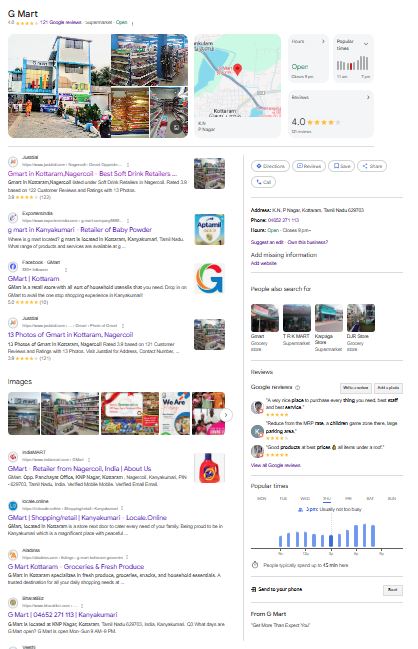
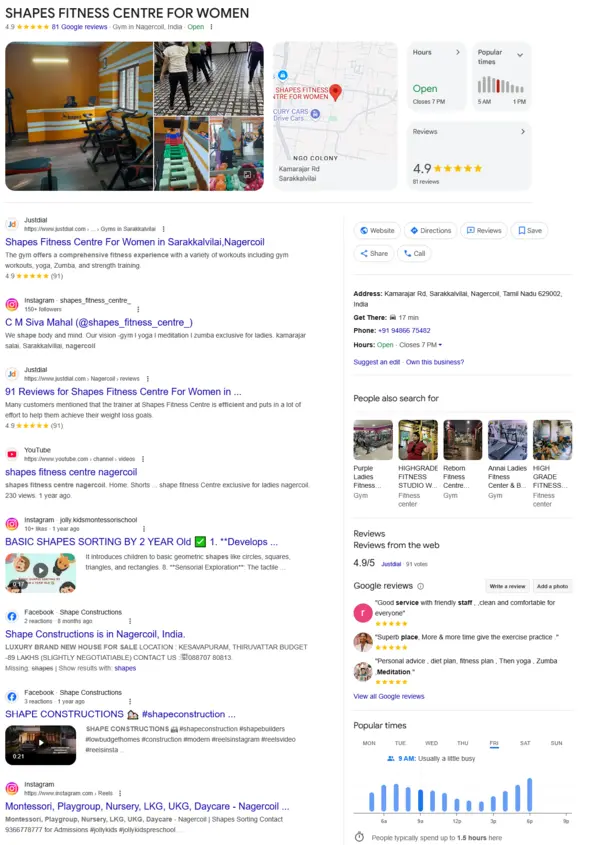
Our GBP SEO Services help businesses maintain accurate profiles, manage reviews, and stay compliant with Google’s latest updates. Keeping your profile active and optimised is no longer optional; it directly affects how often customers discover your business.
How to Recognise a Real Google Contact
Real messages from Google come from verified numbers or official channels. They often include instructions about updating your profile or confirming basic business information.
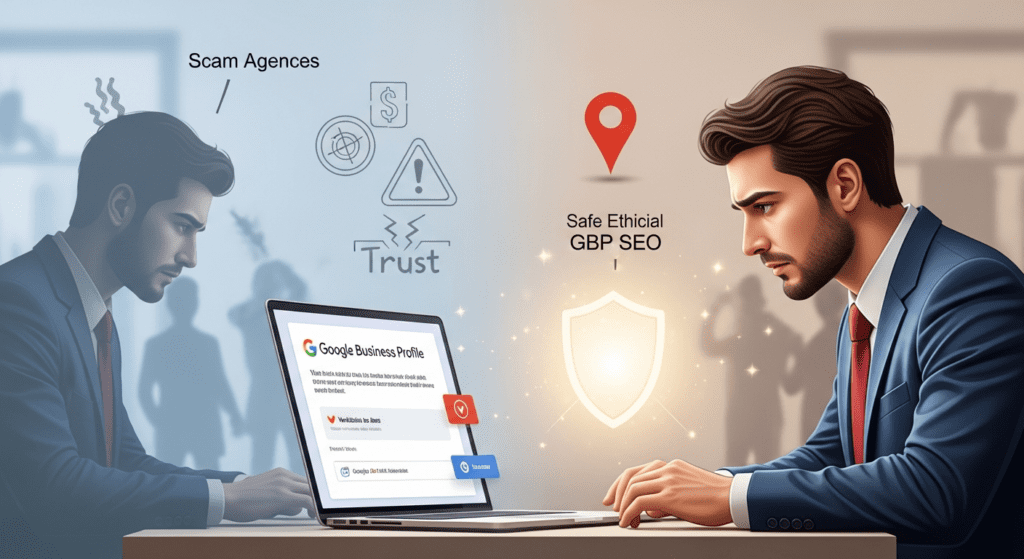
Scammers, on the other hand, might use similar language to ask for personal or financial details.
If you are unsure, go to your Google Business dashboard before taking any action.
This simple step prevents accidental mistakes and keeps your listing secure.
What This Change Tells Us
Google is shifting toward a more active way of maintaining business data.
Profiles that stay accurate, updated, and engaged are the ones that perform best.
Neglected profiles might lose visibility without any manual review.
This new system gives owners a reason to stay involved with their listings.
Regular updates, customer interactions, and timely verification can help your business stay visible and trusted in local search results.
Final Thoughts
These calls and messages from Google are not something to worry about. They are part of a system designed to keep business information reliable. By responding correctly and keeping your profile current, you help both your customers and your online visibility.
If you would like help making sure your profile stays in top condition, our GBP SEO Services team can manage it for you. We focus on compliance, visibility, and performance, ensuring your business stays active and trustworthy on Google Maps.
Your Google Business Profile is often the first impression people have of your brand. Keeping it accurate and optimised helps you stay ahead in local search.
We’ve created a short video explaining how Google’s automated verification works and how to handle these calls or messages.
Watch it here – Google’s Automated Verification Explained